
Built for med spas, skin clinics and aesthetic practices
The Med Spa Booking Software That Checks the Room and the Device Too
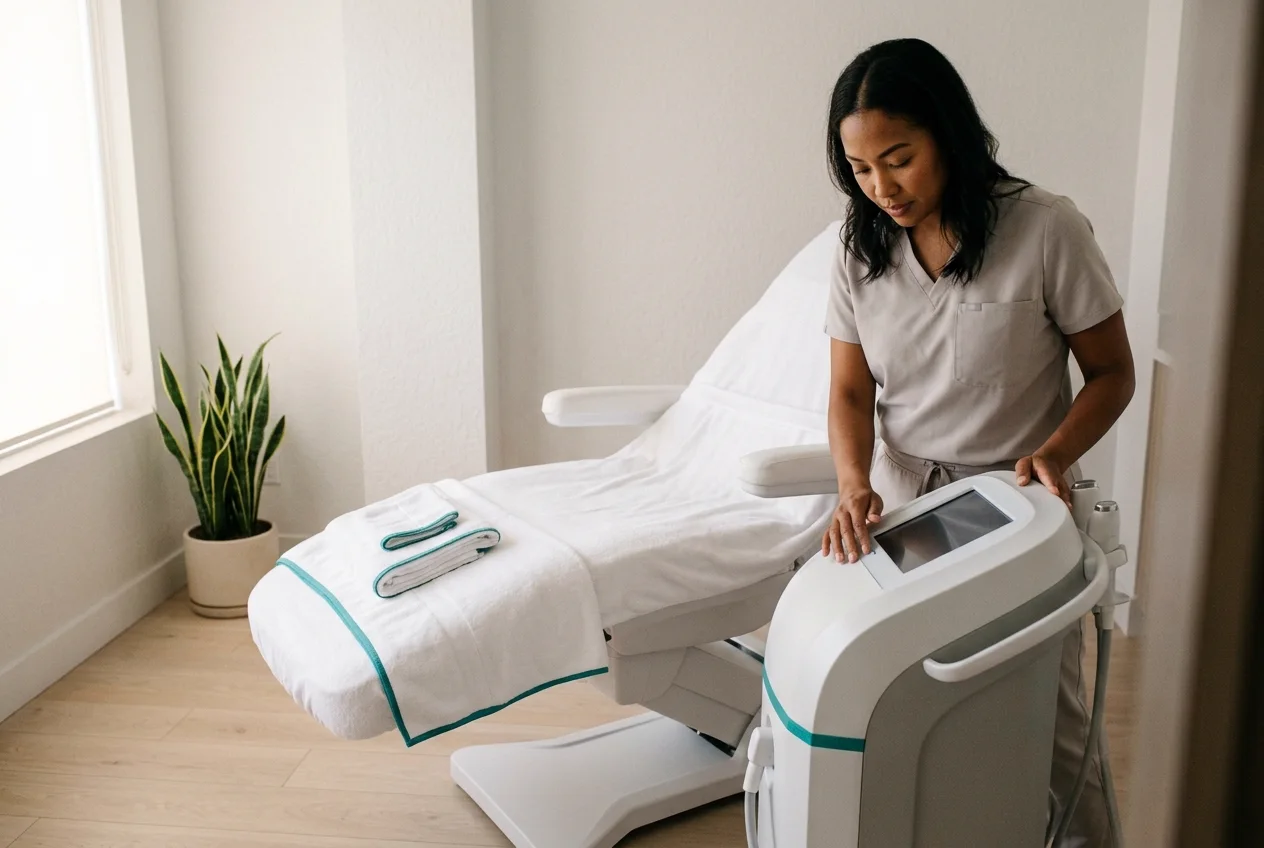
A treatment needs a practitioner, a room and a machine free at the same moment. Reservai checks all three before it offers the slot, so you never accept an appointment you cannot deliver.
Why Clinics Outgrow Generic Appointment Apps
Zero Risk Financial Model
No monthly subscription and no setup fee. We only earn when you do, charging a small commission on completed bookings.
The Safety Chain
Practitioner, treatment room and device are checked together. If any one of the three is busy, the slot never appears. Double bookings become structurally impossible.
Protected Revenue
Deposits at booking, a clear cancellation window, and a defined no-show fee. Your highest-value hours stop evaporating the night before.
Full Feature Suite
Everything an aesthetic clinic needs to run a compliant, profitable diary.
Three-Way Resource Locking
Attach a practitioner, a room pool and a device pool to one treatment. The engine reserves all of them together, or offers nothing.
Required Patch Tests
Make a step mandatory before a client can complete a booking, with its own duration added to the appointment. Compliance stops depending on someone remembering.
Automatic Clean-Down Time
Add a buffer after every treatment so the room and the device are blocked for turnaround. The next client is never booked into a room still being reset.
Treatment Courses
A course of six sessions is booked as one recurring series with a set interval, charged as each session comes or in full at the start.
Deposits and Tiered Refunds
Take a fixed or percentage deposit and set exactly what is refundable before and after your cancellation deadline. The terms are shown before the client confirms.
Book by chat, not by form
An AI assistant that arranges treatments in plain language and still respects every resource and deposit rule. Available as an add-on.
Ready to protect your treatment hours?
Set the rules once and let the engine enforce them on every booking.
Launch Your Booking Page TodayTake back the front desk
A clinic diary is not a calendar problem, it is a logistics problem. Reservai gives you a professional booking page or a widget for the site you already run, and keeps the rules about rooms, devices and deposits in one place instead of in someone's head.
Manage Assets
Rooms, devices and practitioners each carry their own hours and their own turnaround time. Take one laser out for servicing without closing the diary.
Manage the Business
Track treatment revenue, practitioner utilisation and deposit exposure from a dashboard and reports built for clinic owners.
Collect Reviews
Request feedback automatically once a treatment is complete, then use the results as social proof on the treatments you want to grow.
Get Support
A ticketing system staffed every weekday, plus full documentation covering every feature of the platform.
Flexible Booking Logic for Every Treatment
Beyond Simple Calendars
Most scheduling tools book a person. Reservai books an operation.
- Resource Chains: practitioner plus room plus device, reserved as one indivisible unit.
- Required Steps: a patch test the client cannot skip, with its own time added.
- Course Scheduling: a full treatment plan booked once, at a fixed interval.
See it work, end to end
From an empty account to a paid, confirmed booking
Every screen below is the real product — no mock-ups. Click any step, or open a screenshot full size.
Step 1 of 19
Practitioners, rooms and devices are all resources
Two practitioners, two treatment rooms and two diode lasers, each with its own calendar. A treatment needs one of each, and the engine tracks all three separately.
Step 2 of 19
The practitioner carries their own profile
Speciality, qualifications, years of experience and languages spoken sit on the resource, so the right person is matched to the right treatment.
Step 3 of 19
A treatment room is a different kind of resource
Rooms are set as a hub with a booking overlap mode, so the engine knows whether a space can host one client at a time or several.
Step 4 of 19
So is the device
Brand, model, serial number and condition live on the laser itself. Take one machine out for servicing and only the treatments that need it are affected.
Step 5 of 19
Set the working hours once
Weekly recurring, Monday to Friday, 09:00 to 19:00, with a bookable start every 15 minutes and a lunch break the diary respects automatically.
Step 6 of 19
The treatment itself: 45 minutes, £180
A duration, a price, and 15 minutes of buffer after every appointment so the room and the device are blocked for clean-down before the next client.
Step 7 of 19
Attach the practitioner, the room and the laser
Rooms are grouped into one pool and lasers into another, so the client picks a person while the engine quietly finds a free room and a free machine.
Step 8 of 19
A course of treatments, and a deposit
Recurring monthly up to six sessions, charged as each one comes, with a deposit taken at booking so the diary is protected from the start.
Step 9 of 19
Spell out the cancellation terms
A 24-hour free-cancel window, separate refund rules for the deposit and the balance either side of it, and 100% retained on a no-show.
Step 10 of 19
Your public treatment page
The description, the price and the duration you entered, presented as a booking page you can send anywhere or embed in your own site.
Step 11 of 19
The client chooses their practitioner
Photos and availability for each practitioner. Rooms and devices are never shown — the client picks a person, not a machine.
Step 12 of 19
The patch test cannot be skipped
Marked required, so it is added automatically with its own 15 minutes of treatment time. Compliance stops depending on somebody remembering to mention it.
Step 13 of 19
Only genuinely deliverable slots appear
Every time shown has a free practitioner, a free room and a free laser behind it, plus the clean-down buffer after.
Step 14 of 19
A repeating course, checked date by date
Five monthly sessions requested. Four come back available and one is flagged as a conflict before anything is paid.
Step 15 of 19
And the conflict is solved on the spot
The engine offers the nearest workable dates either side, or the client can skip that occurrence. No phone call, no rebooking by hand.
Step 16 of 19
Their details, with the booking in view
Guest or account, with the chosen practitioner, the inclusions and the selected add-ons shown alongside so nothing is a surprise.
Step 17 of 19
The full breakdown, before they commit
Every line itemised with tax, the series total across all five sessions, and your cancellation policy set out in full on the same screen.
Step 18 of 19
A deposit now, the balance later
The client pays the 25% deposit to hold the appointment and the rest is collected later, with the amount due now and the amount due later both stated in your own currency.
Step 19 of 19
Booked, paid and confirmed
A booking reference, the recurring course created, and each future session tracked so it can be managed on its own.
From Consultation to Cash Flow in 3 Steps
Build Your Treatment
Add your practitioners, rooms and devices, then attach all three to the treatment.
Go Live Instantly
Share your booking link or embed the widget on your clinic website.
Get Paid
Take deposits and balances by card without configuring a gateway.
Reservai AI booking assistant
Let clients book treatments by chatting
Add an AI assistant to your booking page or your clinic website and clients can arrange a treatment in plain language, at whatever hour suits them.
A real booking, from a sentence
"Laser on my legs with Maya, sometime next week after five." The assistant finds a slot where the practitioner, the room and the device are all free, adds the required patch test, takes the deposit and confirms.
It handles changes too
Clients can come back and ask to move or cancel a booking. The assistant finds it, verifies who they are with a one-time code, and — for a repeating booking — asks whether they mean this one occurrence or the whole series.
It cannot invent availability
The assistant only proposes what the booking engine says is genuinely free, and it applies your deposit and cancellation rules exactly as the booking page would. It reads and writes through the same engine, so it can never promise an appointment you cannot deliver.
The AI booking assistant is an opt-in add-on: a monthly fee with a bundled token allowance, plus a per-million-token charge if you go over it, billed on your regular platform statement. Everything else on this page works without it.
Designed to Keep Your Revenue Safe
Paid Direct, Tracked Here
Payments settle straight into your own account — we never hold your money. Every booking stays tracked here.
Treatment Snapshots
A permanent record of exactly what was booked and what was quoted, at the moment of booking.
Dispute Center
Handle refunds and disagreements inside the platform, with the original terms attached.
Frequently Asked Questions
How does the system know a treatment room is free?
You create the room as its own bookable resource with its own opening hours, then attach it to the treatment alongside the practitioner and the device. When someone requests a time, the engine checks every attached resource at once and only offers the slot if all of them are available for the full duration plus the turnaround time.
Can I stop clients booking a treatment before a patch test?
Yes. Add the patch test as a required add-on with its own duration. The client cannot reach checkout without it, and the extra time is added to the appointment automatically so the diary stays honest.
How do deposits and cancellations work together?
You set a deposit as a fixed amount or a percentage, a free-cancellation window measured in hours before the start, and separate refund percentages for the deposit and the total paid on either side of that deadline. The client sees the policy before confirming.
Can I schedule a whole course of treatments at once?
Yes. Turn on recurring bookings, choose the interval and the maximum number of sessions, and the client books the full course in one flow. You decide whether each session is charged as it comes or the whole course is collected up front.
What does the AI booking assistant actually do?
It takes a booking end to end from a normal conversation: choosing the treatment and practitioner, finding a time where the room and the device are also free, adding required steps such as a patch test, taking the deposit and confirming. It can also find an existing booking and amend or cancel it. It works through the same availability engine as the booking page, so it cannot offer a slot your equipment or rooms cannot support. It is an opt-in add-on with a monthly fee and a token allowance.
Do I need my own payment gateway?
Yes. if you wish to accept credit card, so you can take deposits on boarding from day one. Connecting your own account will help you do that, however if you only accept cash, then you dont need payment gateway. Reservai currently accept Stripe Gateway!
Ready to run a diary you can trust?
Set your rooms, devices and rules up once, and stop firefighting the schedule.
Create Your Free Account NowNo setup fees. No contracts. Just results.